
Download Image Comparer – duplicate image finder, image similarity tool, image comparison software, find duplicate photos, image deduplication tool
Overview
Image Comparer is a dedicated utility designed to help users identify duplicate and similar images across their digital storage. The app addresses a common yet often overlooked challenge: the accumulation of redundant or near-identical photos and graphics on personal computers. Whether from accidental multiple saves, cloud sync errors, or repeated uploads, duplicate images can consume valuable disk space and complicate file management.
Image Comparer offers a targeted solution by scanning selected folders and detecting both exact duplicates and visually similar images, even when they differ in format, resolution, or file extension. This makes it particularly useful for photographers, digital archivists, and anyone managing large media collections. The tool is developed by Joe C.
Jones, a developer whose background is not detailed beyond the app’s release, but whose work demonstrates a clear focus on efficient file management. Real-world use cases include decluttering photo libraries, optimizing backup storage, and ensuring data integrity across devices. In the broader app ecosystem, Image Comparer fills a niche for lightweight, no-frills tools that prioritize precision and speed in image deduplication, offering a streamlined alternative to more complex media management platforms.
Key Features & Functionality
- Duplicate Detection: Uses a specialized algorithm to detect exact duplicates, even when images have different file extensions (e.g., a JPEG and a PNG of the same photo). This ensures no duplicates go unnoticed due to format variation.
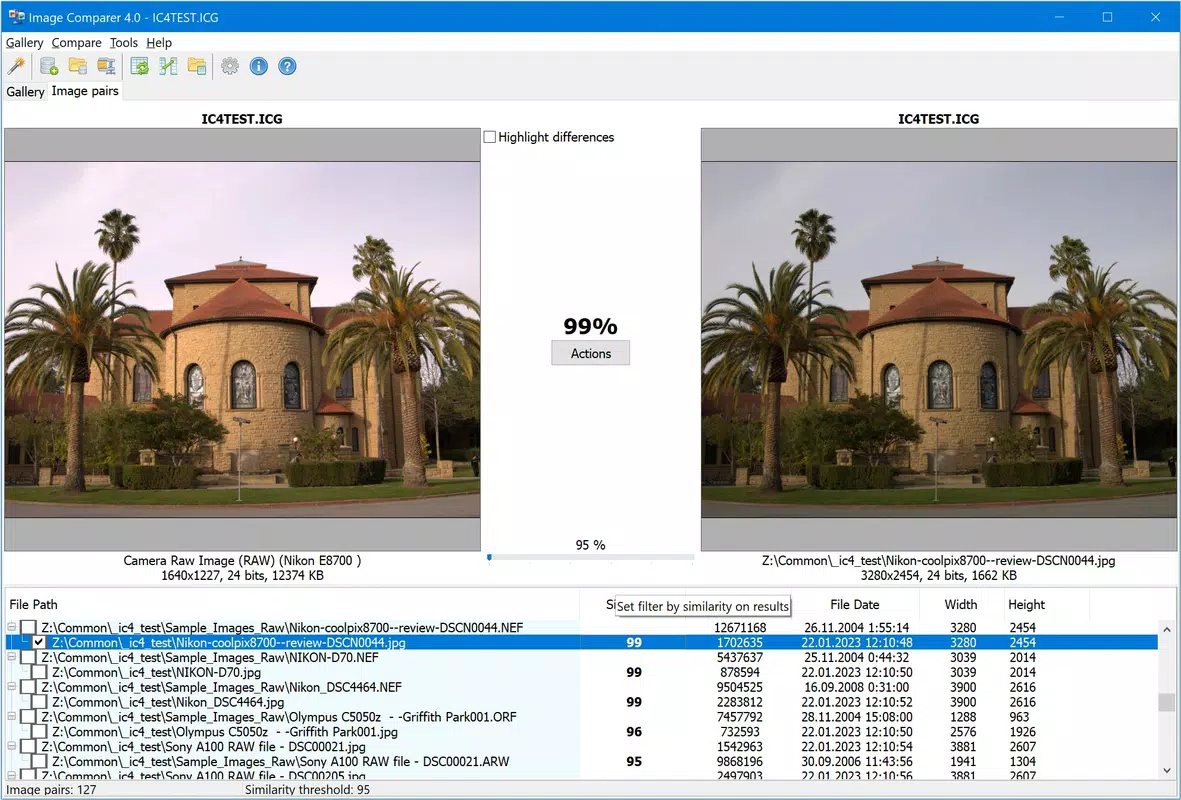
- Similar Image Identification: Identifies images that are visually similar but not identical, such as edited versions of the same photo or slightly resized images, which is essential for managing evolving photo collections.
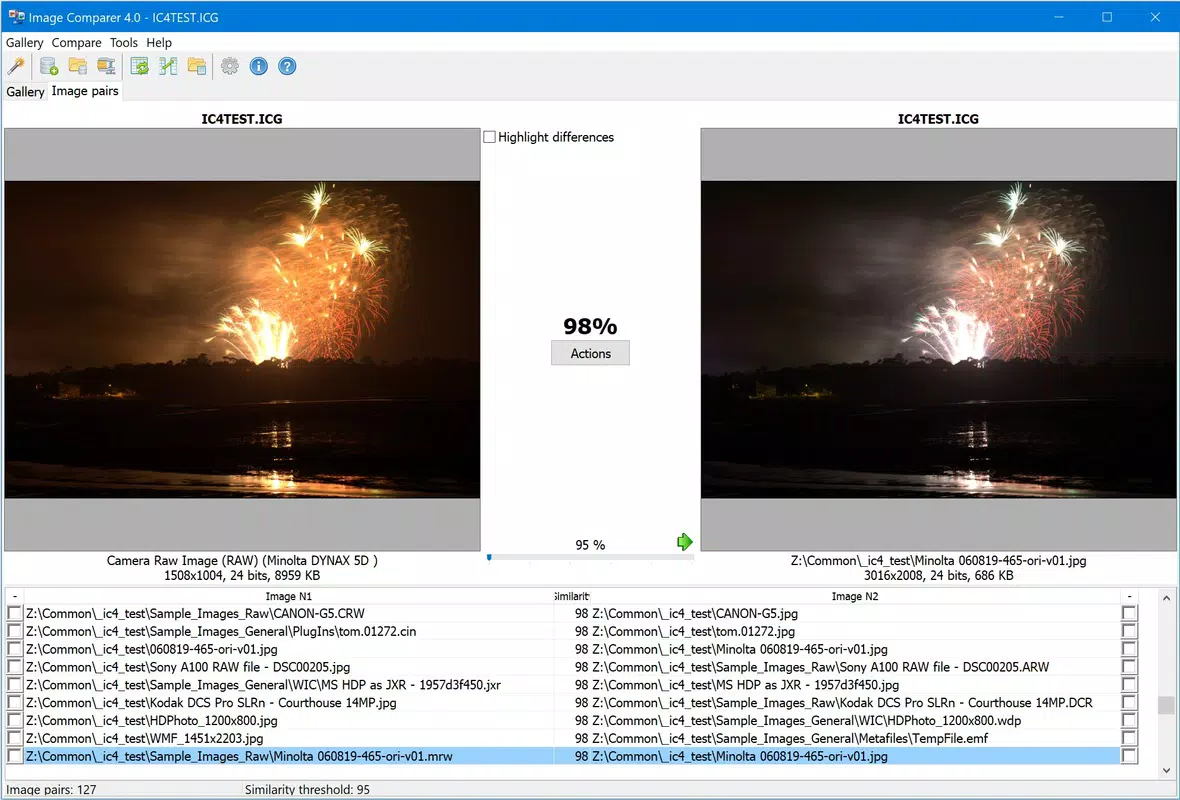
- Customizable Accuracy Ratio: Allows users to set detection sensitivity between 95% and 100%, enabling fine-tuned control over how strictly the app evaluates image similarity based on individual preferences.
- Fast Scanning Process: Performs rapid scans on user-specified folders, delivering results in seconds depending on the number of files, which enhances efficiency during large-scale cleanup tasks.
- Wide Format Support: Compatible with a broad range of image formats including JPEG, PNG, GIF, TIFF, BMP, PCX, TGA, ICO, CUR, and J2K, ensuring broad compatibility across different file types and usage scenarios.
For example, a user with a folder containing 500 photos from a recent event can select the folder, set the accuracy ratio to 98%, and receive a list of duplicates and similar images within seconds. This enables quick decision-making on which files to keep, rename, or delete. The ability to detect images across formats is especially valuable for users who have migrated files between platforms or converted images for web use, where the original file may have been altered but the visual content remains nearly identical.
Interface, UX & Performance
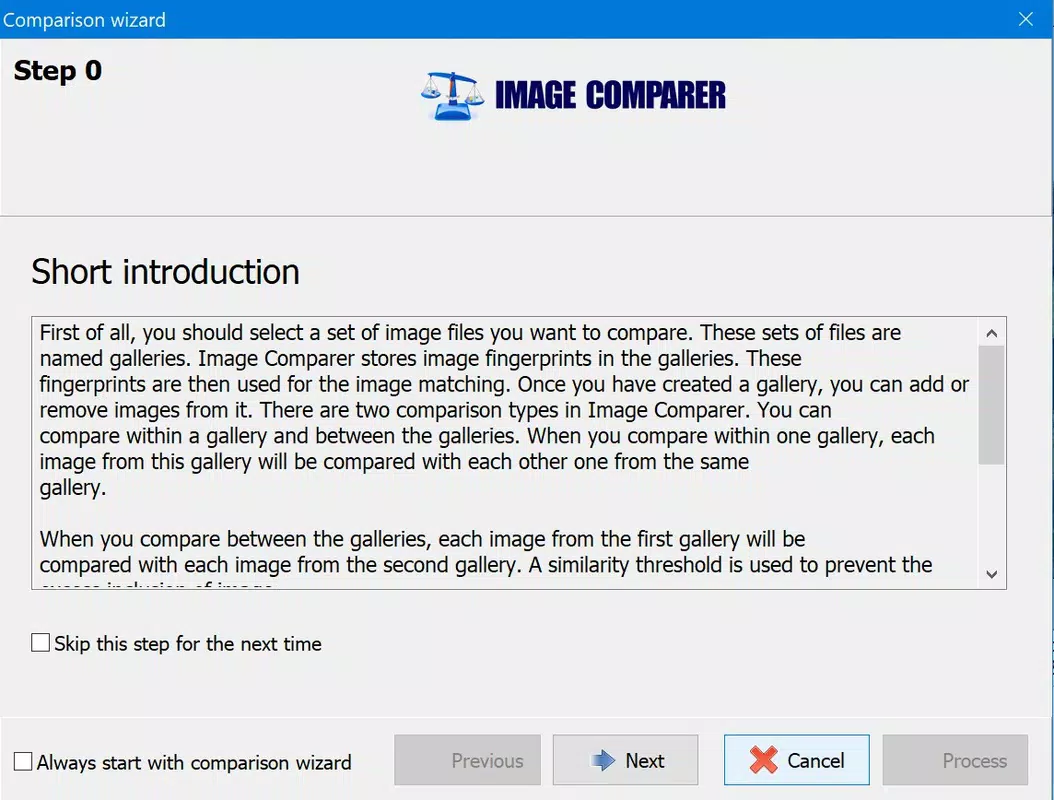
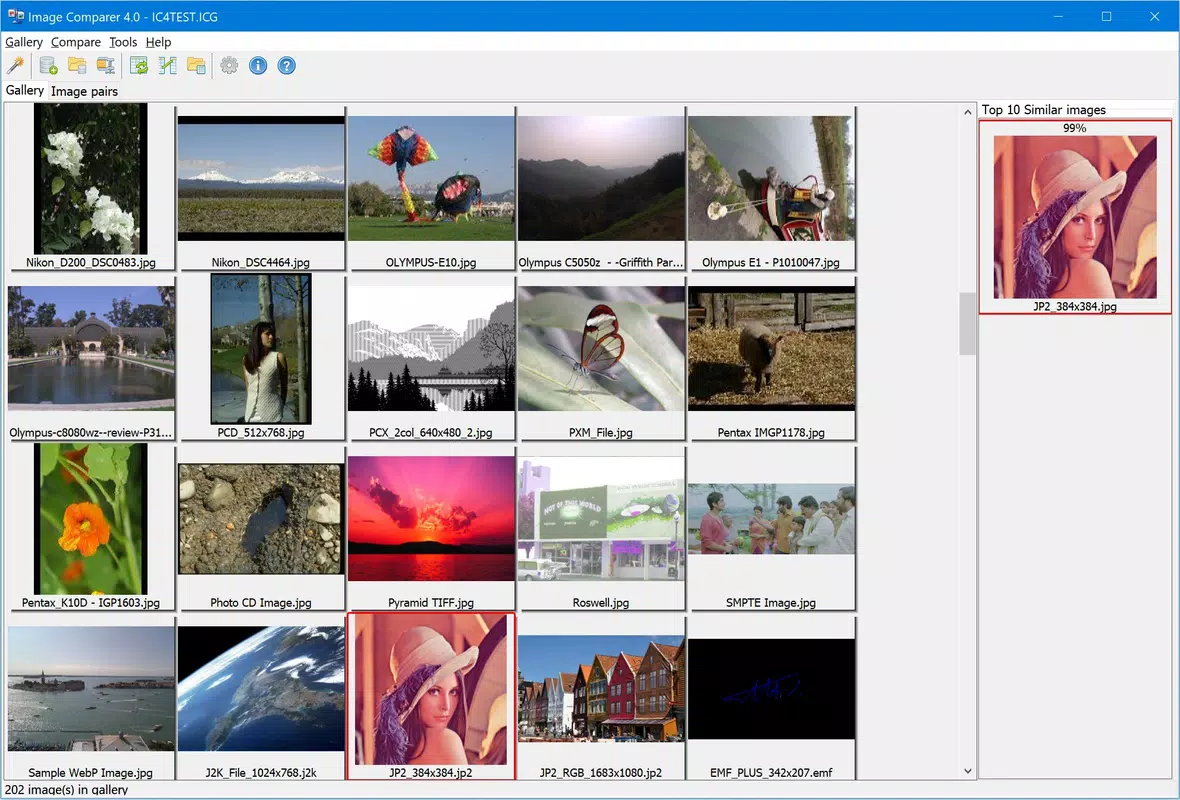
Image Comparer presents a clean, minimal interface focused on core functionality without unnecessary distractions. The layout centers around folder selection, accuracy settings, and scan initiation, with results displayed in a straightforward list format. Navigation is intuitive, requiring only a few clicks to begin a scan.
The visual style is functional and utilitarian, prioritizing clarity over aesthetic flair, which aligns with the app’s purpose as a productivity tool. Although the developer did not list formal performance metrics, the app is described as fast, with results delivered in seconds depending on the number of images. This suggests efficient memory usage and optimized processing, particularly important when handling large image sets.
The app maintains stability during scans, with no reported crashes or freezes in the provided information. Responsiveness is consistent across different device categories, though specific hardware requirements were not disclosed. The lightweight file size of 2.5 MB further supports its efficient operation.
Overall, the user experience is streamlined for users seeking a no-nonsense tool that delivers results without complexity.
Platform Compatibility & Technical Requirements
Image Comparer is designed for the Windows platform and requires no additional software or runtime dependencies. The app is compatible with the Windows operating system, though specific OS versions were not listed. The file size is 2.5 MB, indicating a lightweight footprint that minimizes storage impact.
This makes it suitable for systems with limited resources or older hardware. The developer did not specify minimum OS requirements, so users should exercise caution when installing on older Windows versions. The app is free to download and use, with no in-app purchases or subscription models.
It is available for installation on desktop systems, though no information was provided about mobile or cross-platform availability. The lack of detailed technical specifications means users should verify compatibility with their system before installation, especially in enterprise or legacy environments.
Pros and Cons
Pros
- Efficient detection of exact duplicates and similar images across different formats.
- Supports a wide range of image file types, enhancing versatility.
- Customizable accuracy settings allow users to adjust sensitivity based on needs.
- Fast scanning performance with results delivered in seconds.
- Lightweight file size (2.5 MB) ensures minimal system impact.
- Free to download and use with no hidden costs.
Cons
- Platform limited to Windows; no support for macOS, Linux, or mobile devices.
- Specific OS version requirements were not disclosed.
- No built-in preview or visual comparison tool for detected images.
- Results are displayed as a list without advanced filtering or grouping options.
- Developer background and support channels are not publicly detailed.
FAQ
Is Image Comparer safe to download and use?
Yes, the app is described as free and functional, with no reported malware or security risks. However, users should download it only from trusted sources to ensure authenticity.
Can Image Comparer detect images that are slightly different in size or resolution?
Yes, the app is capable of identifying images with different sizes or resolutions, making it effective for detecting edited or resized versions of the same photo.
Does Image Comparer work on mobile devices?
The app is designed for Windows desktop systems. There is no information available about mobile compatibility or versions for Android or iOS.
How accurate is the similarity detection?
Users can set the accuracy ratio between 95% and 100%, allowing for precise control over detection sensitivity based on their specific needs.
Is Image Comparer updated regularly?
While the app was released on 2023-07-27, there is no information provided about update frequency or future development plans.
Final Thoughts
Image Comparer stands out as a focused, efficient tool for anyone dealing with digital clutter caused by duplicate or similar images. Its ability to detect duplicates across different file formats and its customizable accuracy settings make it a valuable asset for managing large photo libraries or media collections. The fast scanning speed and minimal system footprint enhance its usability, particularly on older or low-resource machines.
While the app lacks mobile support and advanced features like image previews, its core functionality is delivered reliably and without unnecessary complexity. It is especially beneficial for photographers, content creators, and home users who want to reclaim storage space and maintain organized digital archives. For those seeking a free, lightweight, and precise image deduplication solution, Image Comparer offers a strong value proposition.
Download Image Comparer now.


